
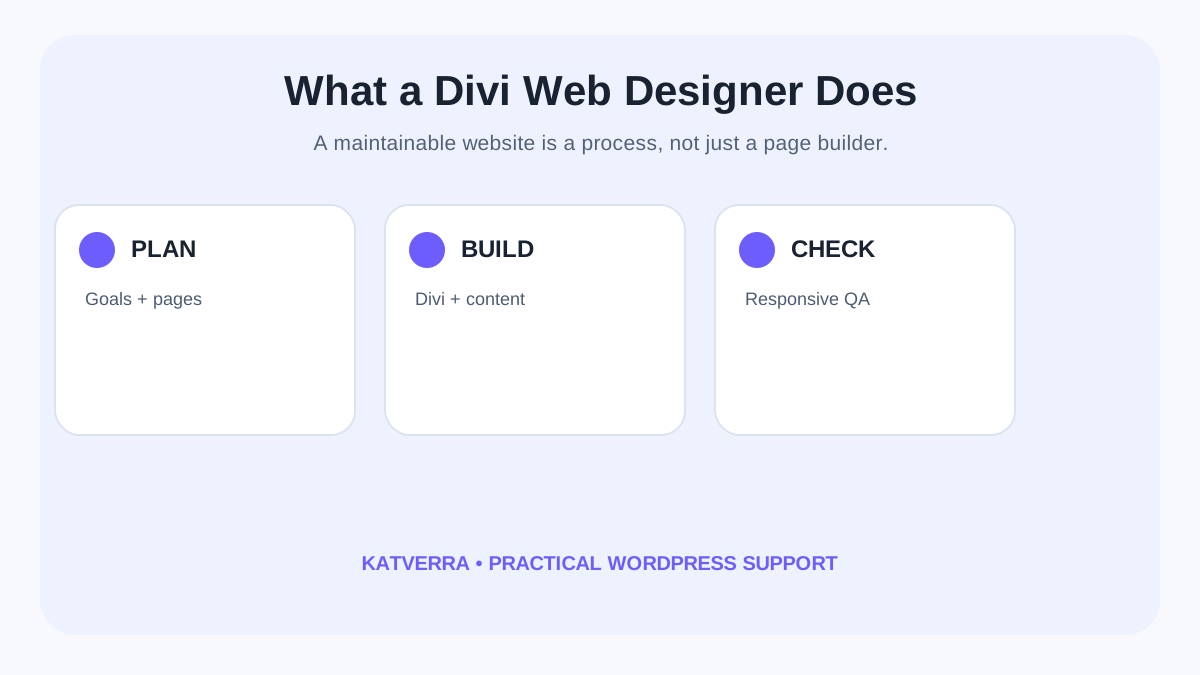
A Divi web designer builds and organizes WordPress pages using the Divi visual builder while keeping the website responsive, editable and focused on the business goal. For a small business, that can mean creating a new service website, redesigning an outdated site, building landing pages or improving page structure without turning every future text change into a developer task.
The useful distinction is that Divi is the editing system, not the strategy. A strong project still needs clear page hierarchy, useful content, mobile behavior, calls to action, sensible image handling and launch checks.
What does a Divi web designer do?
A Divi web designer translates business requirements into WordPress pages built with Divi. The work may include planning layouts, creating reusable sections, styling modules, preparing responsive versions, placing content and checking the finished pages before launch.
For KatVerra's Divi web design services, the commercial service page explains the available support. This guide focuses on the decisions a small business should understand before hiring or delegating a Divi project.
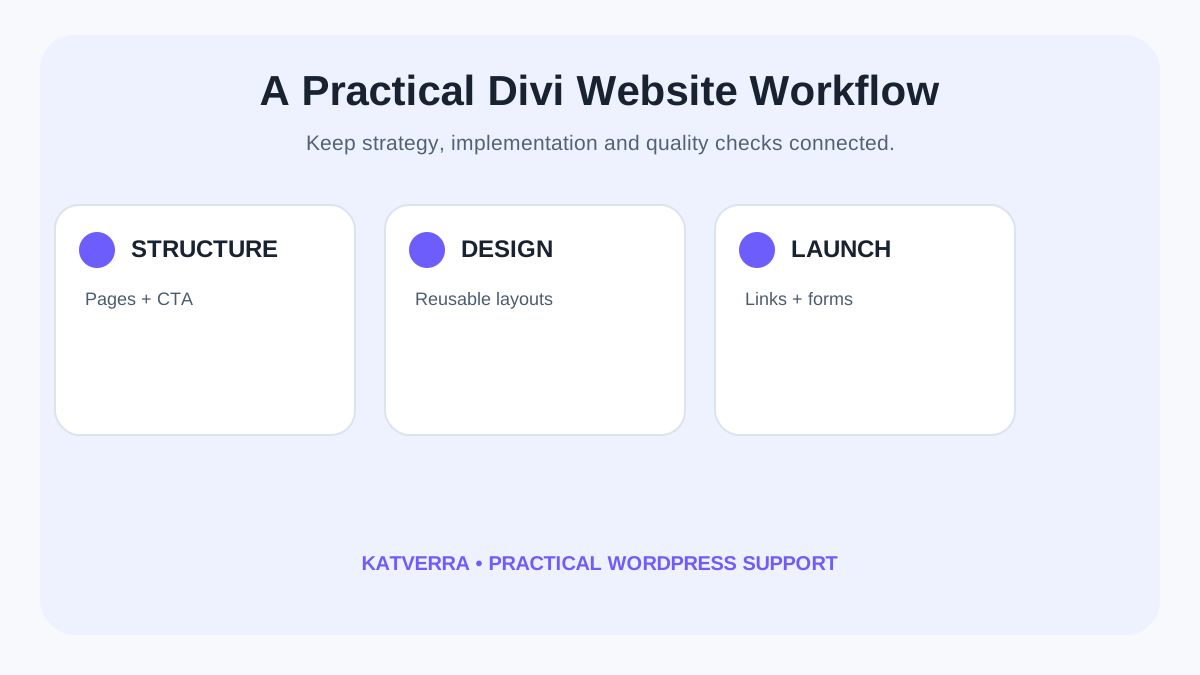
Common Divi web design tasks
1. Building service pages and landing pages
A designer can turn approved copy and brand assets into structured pages with clear headings, sections and calls to action. The goal is to make the information easy to scan and the next step obvious.
2. Creating reusable Divi sections
Reusable layouts can reduce future production time. A business might keep approved patterns for service introductions, testimonials, FAQs, calls to action or contact sections rather than redesigning them every time.
3. Responsive design adjustments
A desktop layout does not automatically become a good mobile page. Font sizes, spacing, image proportions, stacking order and tap targets should be reviewed at smaller widths.
4. Redesigning an existing WordPress site
Divi can be used to modernize an existing website, but redesign work should account for useful existing content, important URLs, forms and functionality. Replacing the appearance without checking those dependencies can create avoidable problems.
5. Basic on-page SEO structure
A web designer can implement descriptive page titles, logical headings, crawlable text, internal links and image alt text. These are useful foundations, but design work alone does not guarantee search rankings.
6. Handover and editing structure
One reason businesses choose Divi is visual editing. A disciplined build should make common updates understandable after launch instead of leaving the client with an unnecessarily complicated module structure.
Divi web designer vs general WordPress developer
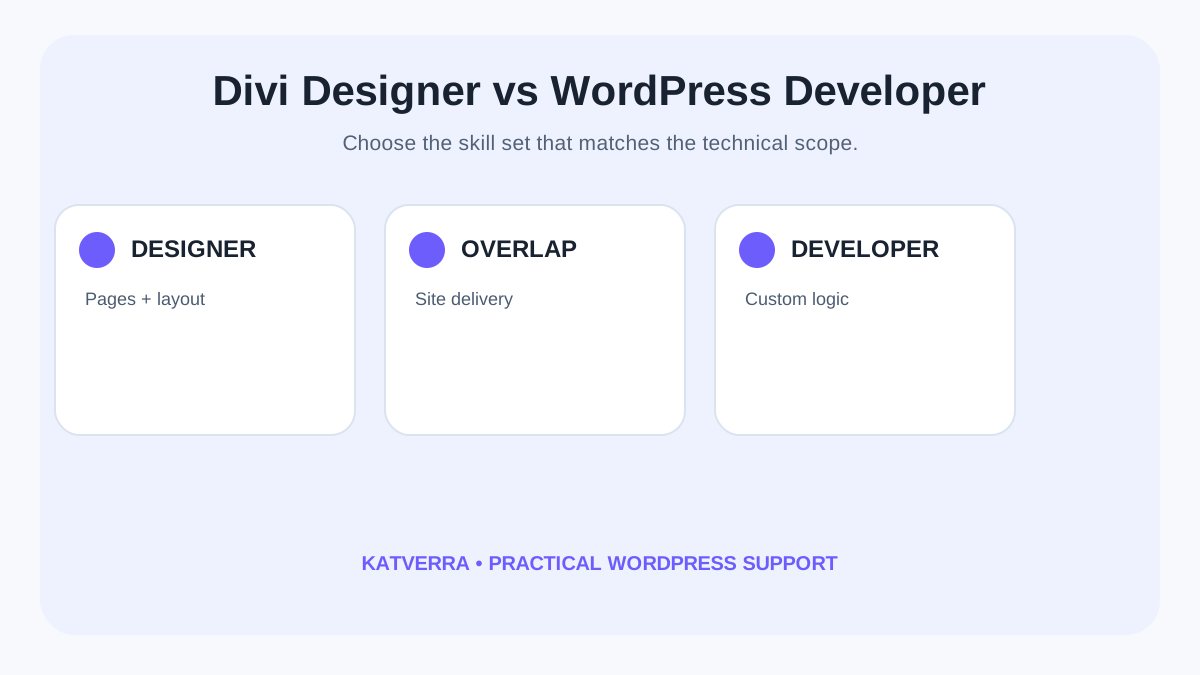
The roles overlap, but they are not identical. A Divi-focused designer usually concentrates on page structure, visual implementation and the Divi editing environment. A WordPress developer may be more appropriate when a project requires custom application logic, unusual integrations, extensive plugin development or deeper back-end engineering.
Many small-business sites do not need custom software. They need a reliable marketing website with clear services, responsive pages and an editing process the business can maintain. The project scope should determine which skill set is required.
What should a small business prepare before a Divi project?
A project moves faster when the designer receives decisions rather than a folder of unrelated files. Before the build begins, prepare the essentials.
- Your main services and the audience for each one.
- Approved logo, brand colors and visual references.
- Page copy or a clear plan for who will prepare it.
- Examples of websites you like and what specifically works for you.
- Required forms, booking links or integrations.
- Existing URLs that should be preserved or redirected during a redesign.
- The person responsible for final review and approval.
How Divi web design can support SEO without competing with SEO work
Website design and SEO are connected, but they are not the same service. A clean page structure gives search engines and visitors clearer information. Useful headings, internal links, descriptive URLs and indexable content create a better foundation for later optimization.
The commercial keyword targets in KatVerra's current map—divi web design services and divi web designer—belong primarily to the Divi service page. This article supports that page with informational context rather than replacing its service intent.
What to check before a Divi website goes live
Launch QA should cover more than whether the homepage looks good on one screen. Review navigation, buttons, forms, mobile layouts, important internal links, page titles, images and basic loading behavior. If an existing site is being replaced, confirm that important URLs have not disappeared unintentionally.
After launch, a site also needs upkeep. KatVerra's WordPress maintenance services page explains ongoing support for updates, backups and website health, while the WordPress maintenance checklist provides a practical recurring checklist.
When is Divi a practical fit?
Divi can be a practical choice when a business wants WordPress, prefers a visual editing environment and needs repeatable marketing pages that can be maintained after handover. It may be less suitable when the project is primarily a custom web application or requires specialized functionality that should not be forced into a page builder.
The important question is not whether Divi is universally “best.” It is whether its editing model, ecosystem and project structure fit the website you need to operate.
Questions to ask a Divi web designer
- How will the pages behave on mobile and tablet?
- Will I be able to edit common content after launch?
- How are reusable sections and global styles handled?
- What happens to my existing URLs during a redesign?
- Are forms and key links tested before launch?
- What is included in revisions and handover?
- Who handles ongoing maintenance after launch?
Building a website that remains useful after launch
A successful small-business website should not become difficult to update the moment the designer finishes. Clear page architecture, reusable Divi components and documented handoff decisions make future changes easier.
If your business needs a WordPress site built around this approach, review KatVerra's Divi web design services or discuss your project with the team.